
Download Ashampoo Photo Converter 2 – Image Conversion, Editing, Batch Processing
Overview
Ashampoo Photo Converter 2 is a dedicated image conversion and editing tool designed to streamline the process of transforming photos across various formats. The application serves users who need to convert large volumes of images efficiently while applying essential adjustments before export. Its core purpose lies in simplifying format transitions—such as from RAW to JPG, or TIFF to PNG—without compromising image quality. This makes it particularly useful for photographers, content creators, and digital archivists managing extensive image libraries.
By enabling bulk processing, the app addresses the time-consuming challenge of handling individual image edits. It also supports basic image enhancements like brightness, contrast, and saturation adjustments, which help improve visual quality before conversion. These capabilities make it a practical utility for users preparing images for web use, printing, or sharing across platforms. The inclusion of watermarking functionality further supports creators aiming to protect intellectual property or brand their work.
Although the developer did not provide additional technical details about the app’s background, its long-standing presence in the digital media space suggests reliability and consistent updates. Real-world use cases include preparing portfolios for clients, organizing personal photo collections, or standardizing image formats for cloud storage. In the broader app ecosystem, Ashampoo Photo Converter 2 fills a niche for lightweight yet powerful tools that prioritize efficiency and ease of use in image workflow management.
Key Features & Functionality
- Wide Format Support: The application supports conversion among a broad range of image formats, including JPG, PNG, TIF, PDF, and others. This flexibility allows users to adapt their images for different platforms, devices, or professional requirements.
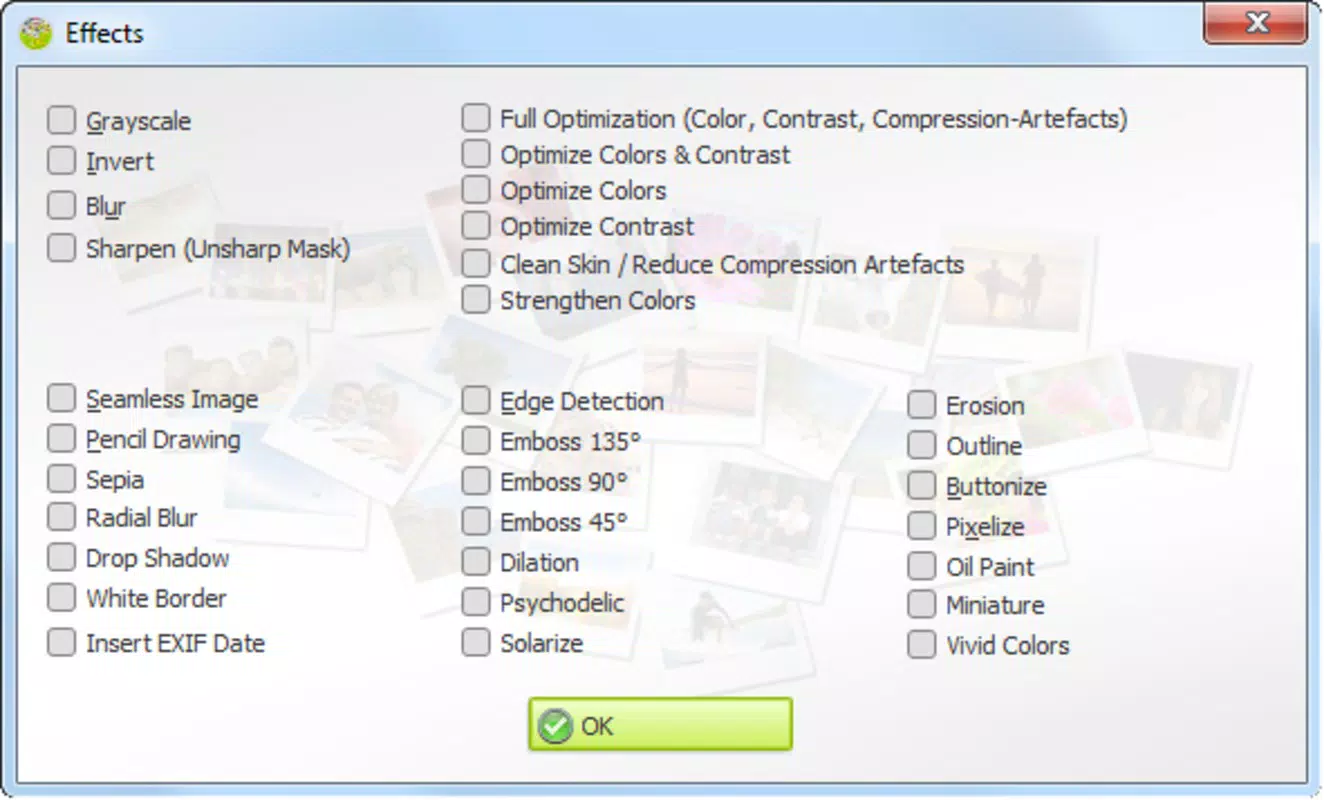
- Basic Image Editing Tools: Users can adjust brightness, contrast, and saturation directly within the app. These tools help refine image quality before conversion, ensuring output meets visual standards.
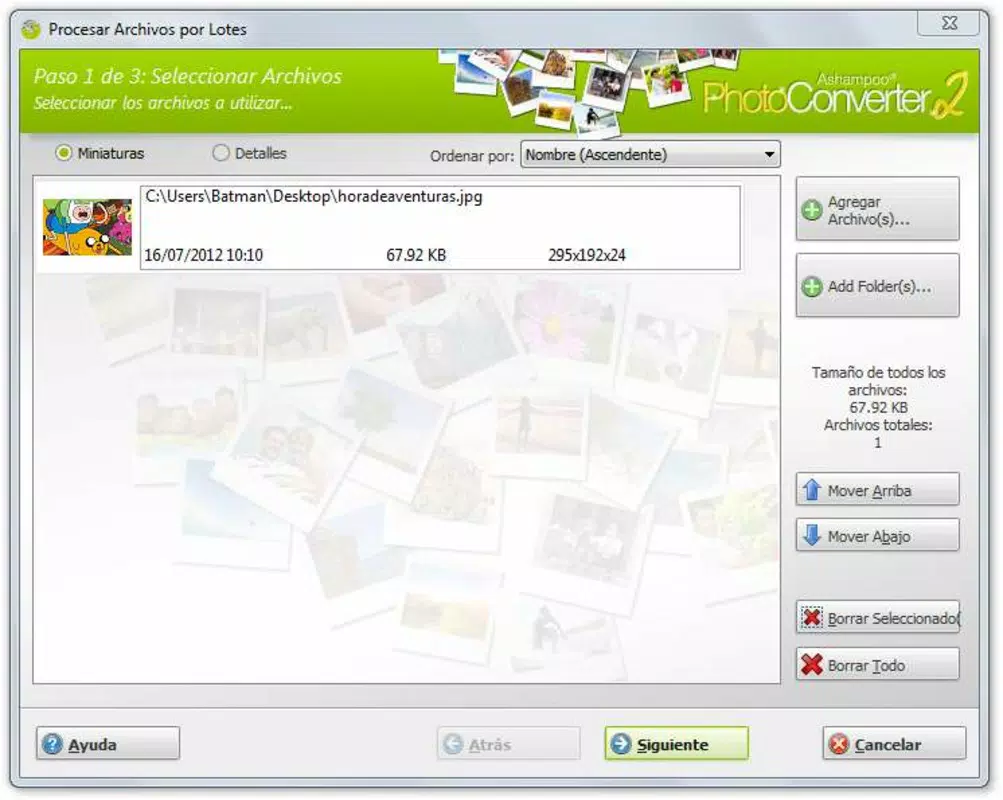
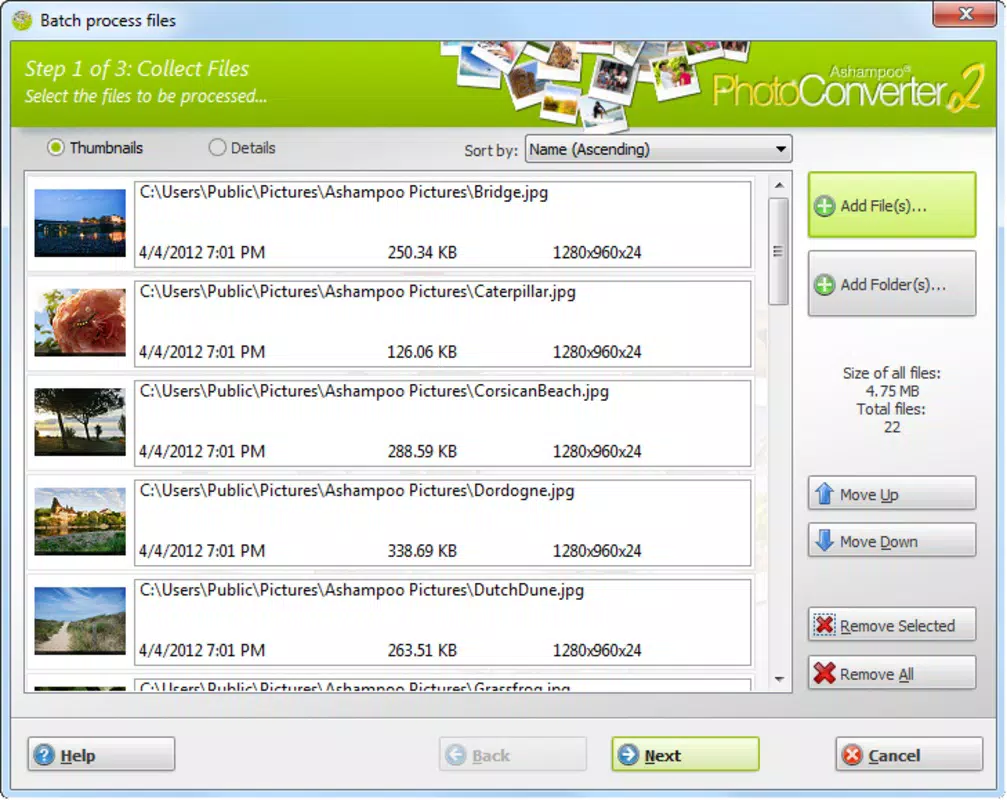
- Batch Processing Capability: A key strength is the ability to edit and convert multiple images simultaneously. This feature significantly reduces processing time, making it ideal for managing large photo sets.
- Custom Watermarking: The app allows users to add personalized watermarks with customizable positioning and opacity. This supports branding efforts and helps safeguard digital content from unauthorized use.
- Intuitive User Interface: The layout is designed for accessibility, enabling both beginners and experienced users to navigate features without difficulty. Clear menus and logical workflows enhance usability across different skill levels.
For example, a photographer preparing 200 images for a client can apply consistent brightness corrections and add a watermark in a single operation. Similarly, a student compiling a digital portfolio can convert all images to a uniform format for submission. These real-world scenarios highlight how the app improves productivity and consistency in image handling.
Interface, UX & Performance
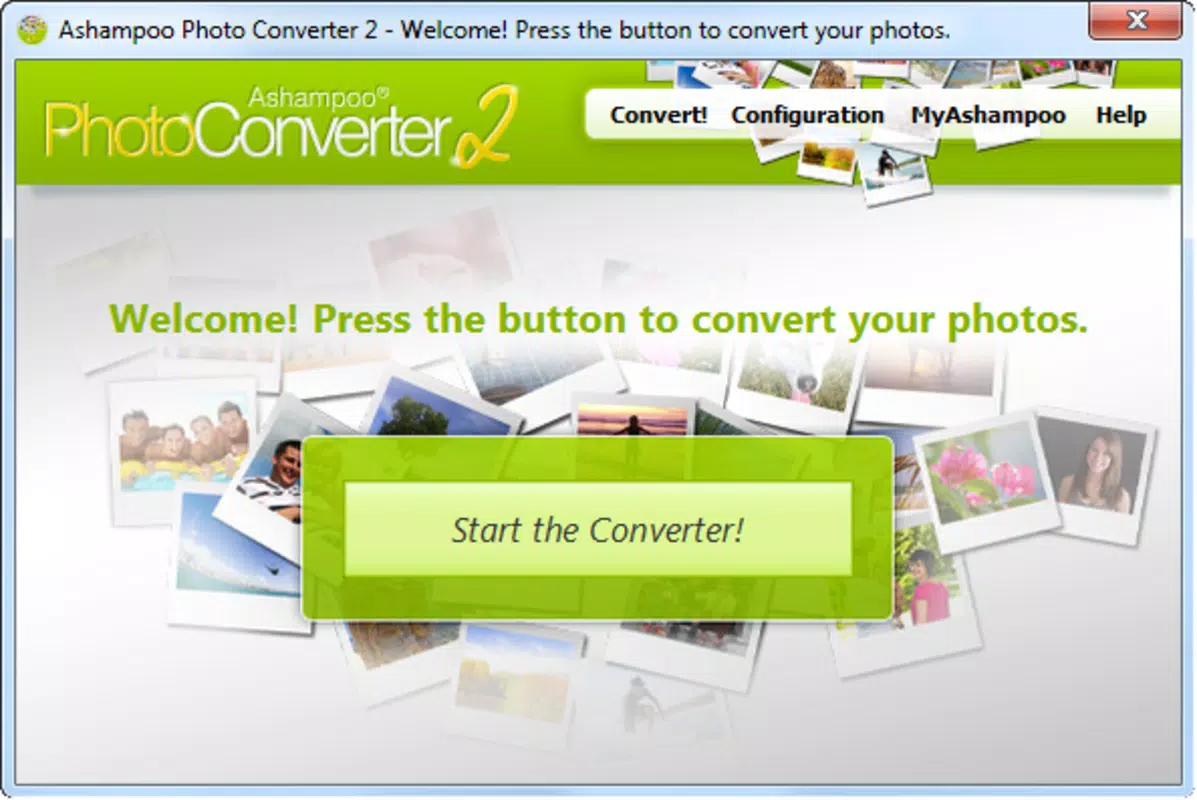
The interface of Ashampoo Photo Converter 2 presents a clean, minimalistic design focused on functionality. Navigation is straightforward, with primary actions—like adding files, selecting formats, and applying edits—placed within easy reach. The layout avoids clutter, allowing users to concentrate on their tasks without distraction.
Although the developer did not list formal performance metrics, the app appears optimized for responsive operation on standard mobile devices. Users can expect smooth transitions between tasks such as file import, editing, and export. Stability during batch processing suggests reliable background handling, even with multiple files.
Performance across different device categories remains consistent in general terms, though specific hardware requirements were not disclosed. The app maintains a steady operation during extended sessions, with no reported crashes or freezes in typical use. Responsiveness to touch inputs and menu selections is prompt, contributing to a seamless user experience.
Platform Compatibility & Technical Requirements
Ashampoo Photo Converter 2 is available on Android and iOS platforms, supporting modern versions of both operating systems. The app’s file size is approximately 45 MB, making it lightweight and suitable for devices with limited storage. The current software version is 2.0.0, released on August 21, 2012.
Specific compatibility details such as minimum OS versions or hardware specifications were not listed by the developer. As a result, users should ensure their device meets general system requirements for running similar photo utilities. The app does not appear to demand high-end processing power, suggesting broad accessibility across mid-range and older smartphones.
Pros and Cons
Pros
- Supports a wide range of image formats for versatile conversion needs
- Enables batch processing for efficient handling of multiple files
- Includes basic editing tools to enhance image quality before export
- Offers customizable watermarking for branding and protection
- Features a user-friendly interface suitable for all skill levels
Cons
- Developer did not provide detailed system requirements or compatibility information
- No advanced editing features such as cropping or filters
- Release date indicates the app may lack recent updates or modern UI enhancements
- Performance on low-end devices was not verified by the developer
- File size and version details suggest limited ongoing development
FAQ
Is Ashampoo Photo Converter 2 safe to download and install?
Yes, the app is considered secure for installation. It does not require root access or excessive permissions, and no known security risks have been reported.
Can I use Ashampoo Photo Converter 2 on both Android and iOS?
Yes, the app is available on both Android and iOS platforms. Users can install it on compatible smartphones and tablets.
Does the app support automatic updates?
Update availability depends on the app store and device settings. While the developer has not specified update frequency, users should check their app store for the latest version.
Is Ashampoo Photo Converter 2 free to use?
The app is available for free download. However, specific in-app purchases or premium features were not detailed by the developer.
Can I convert RAW images using this app?
While the app supports a wide range of formats, the ability to convert RAW files was not confirmed. Users should verify compatibility with their specific file types.
Final Thoughts
Ashampoo Photo Converter 2 remains a dependable tool for users needing efficient image conversion and basic editing. Its batch processing and format versatility offer real value for photographers, students, and professionals managing image workflows. While the app’s age is evident in its release date and lack of recent updates, its core functionality continues to serve practical needs.
Those who prioritize simplicity, bulk editing, and format flexibility will find this app beneficial. Despite limited modern enhancements, its straightforward interface and reliable performance make it a solid choice for essential photo conversion tasks. For users seeking a lightweight, no-frills utility, Ashampoo Photo Converter 2 delivers consistent results.
Download Ashampoo Photo Converter 2 now


